Strategy ONE
Formatting a text field as currency
Cost should be formatted as currency to accurately present the values.
To format a text field as currency
-
Right-click Cost and select Format. The Format Objects dialog box opens.
-
On the Number tab, select Currency from the Category list. The default settings use a dollar sign and two decimal places.
-
Click OK to return to the document.
Your Detail section should now look like the following:

Previewing the Detail section
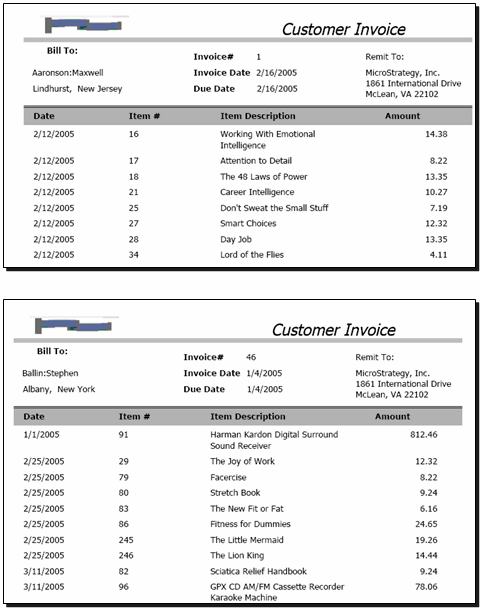
Switch to PDF View, by clicking PDF View on the toolbar, to generate the PDF and check your progress. Each invoice contains detail information on each item bought by the customer, as shown in the following sample: