
Strategy One
Create Incremental Refresh Reports (IRRs)
To use, create, and edit IRRs, you must at least have the following privileges respectively:
-
Client-Web: Web use metric editor
-
Server-Intelligence: Create application objects
- Open the Workstation window.
-
In the Navigation pane, click Datasets and locate the cube where you want to update data.
-
Right-click the cube, point to New, and select Incremental Refresh Report from.
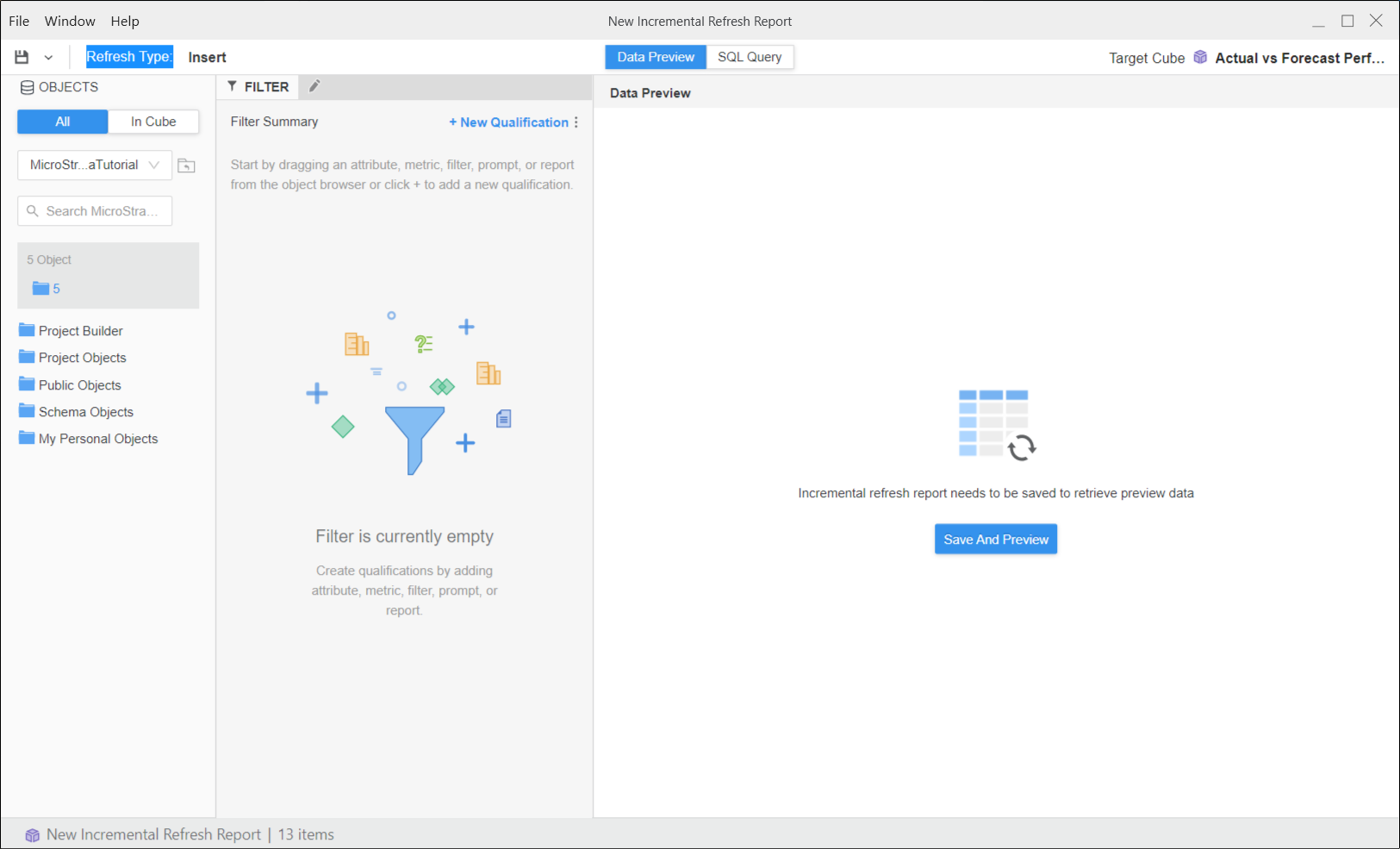
-
Choose the refresh method from the Refresh Type drop-down list.
Click here to see descriptions of the available options.Update Adds new data if it does not already exist in the Intelligent cube. If there are matches, it updates the values where applicable.
Insert Adds only new data fetched by the incremental refresh report to the Intelligent cube, without altering data already existing in the cube
Delete Removes existing data from the Intelligent cube if it matches the criteria in the definition of the incremental refresh report.
Update Only Replaces the existing Intelligent cube. This option does not add new data to the Intelligent cube.
Replace Available for incremental refresh filters
-
You can modify the filter definition by adding qualifications to the Filter panel.
-
To see the objects included in the cube definition, in the Objects pane, click In Cube.
-
Click Save And Preview.
-
To view the SQL to be executed, click SQL Query at the top.