Strategy One
Undo and Redo History
Starting in Strategy One (March 2026), you can undo and redo actions for manual modeling changes.
You can only undo or redo manual operations that you make after the AI modeling process completes. Therefore, history clears if you save a model or when you add new tables, as these actions trigger a new AI model-building process.
-
Click Proceed.
-
Perform manual changes to the model such as renaming object, editing relationships, and modifying metrics.
-
To undo the last action, click
 Undo.
Undo. -
To undo an action prior to the last action, click the drop-down list next to
Undo and choose an action from the list.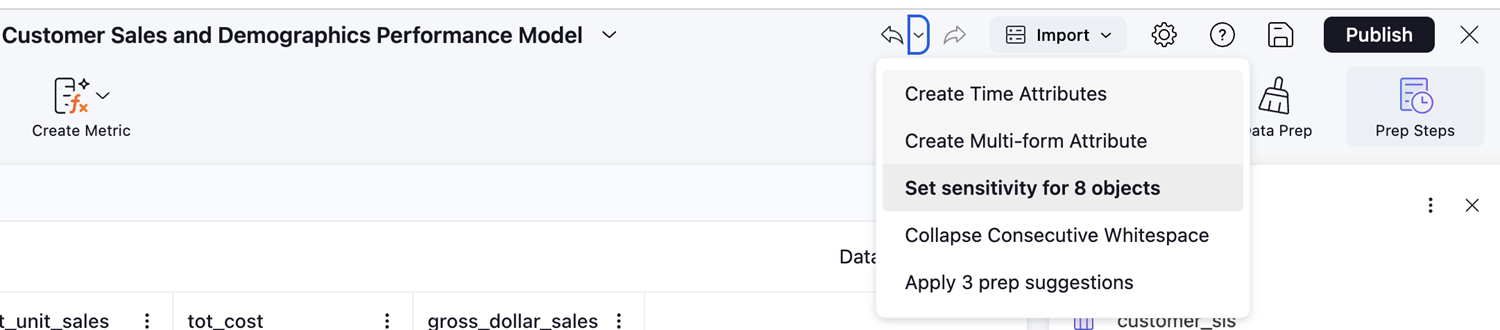
-
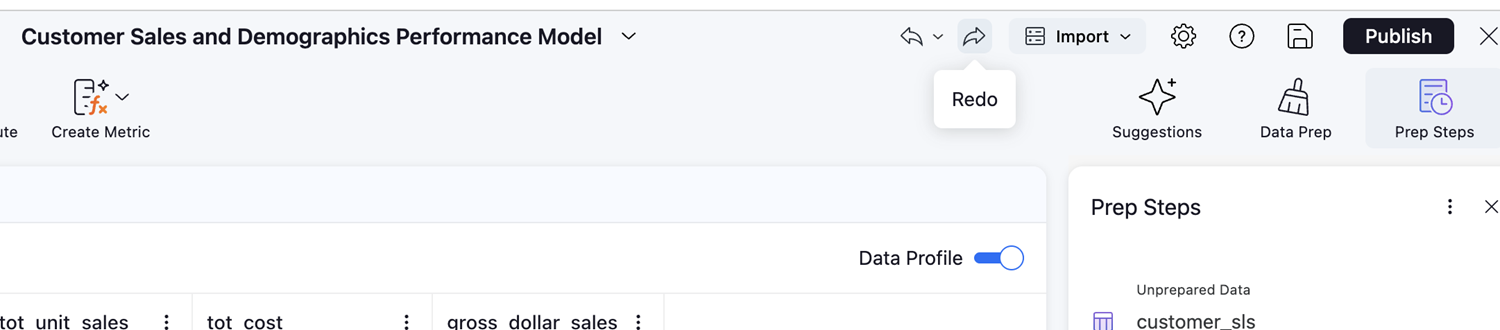
To redo actions you have undone, click
 Redo.
Redo.