
Strategy One
Delete Projects
Starting in MicroStrategy 2021 Update 8, you can delete projects to keep your environment secure and scalable. It is important to delete a project when there is no user activity and the project is ready to retire. Once you delete a project, you can keep your environment scalable by allocating resources to a new project or to existing projects. You can only delete unloaded projects from Workstation to ensure that there are no active users or database connections in the project.
If you delete a project, all objects are permanently deleted and can only be retained by a metadata backup.
- Open the Workstation window.
- In the Navigation pane,
-
In the left pane, click Projects.
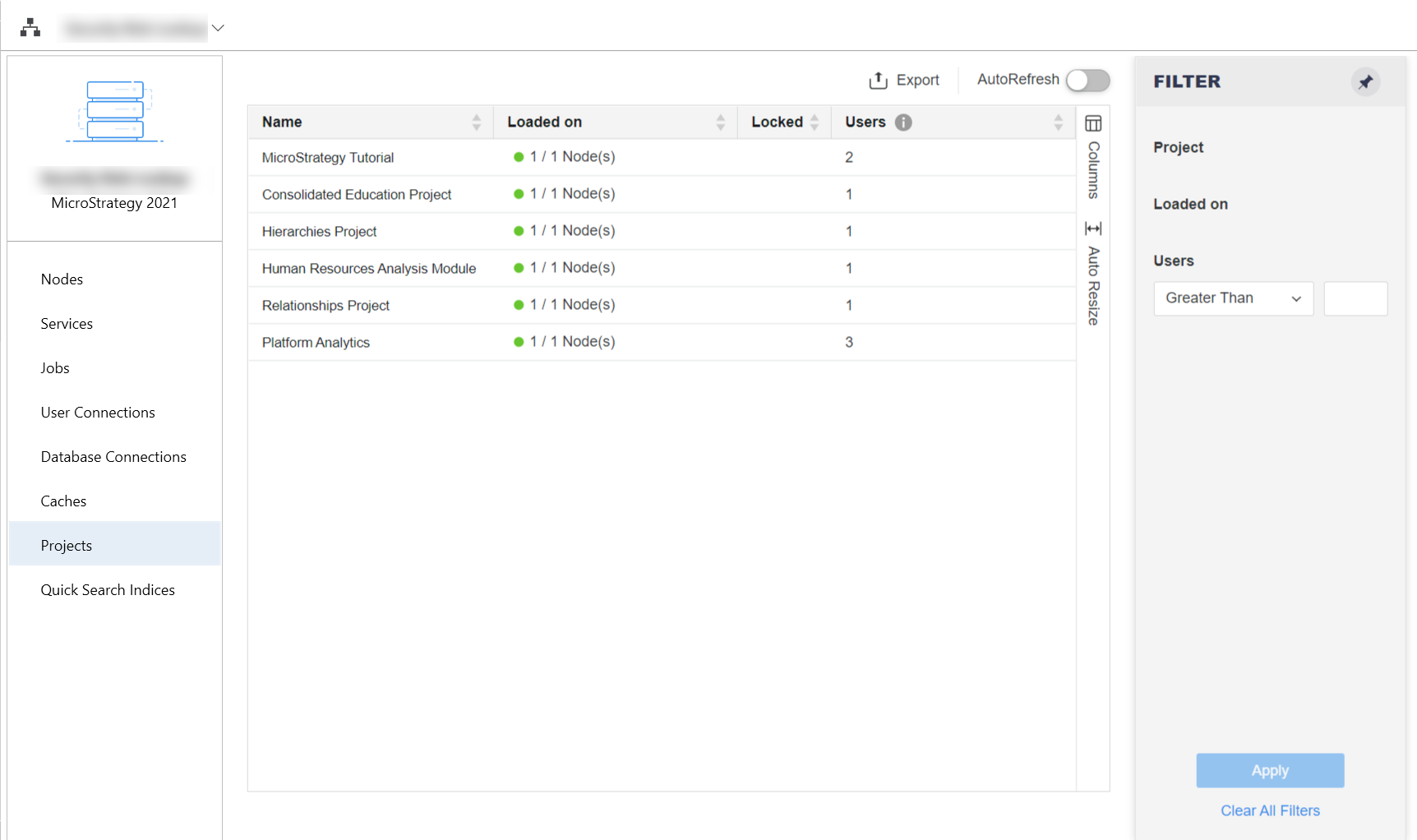
- Right-click a project and choose Delete. This option is only available for unloaded projects.
- Enter the name of the project.
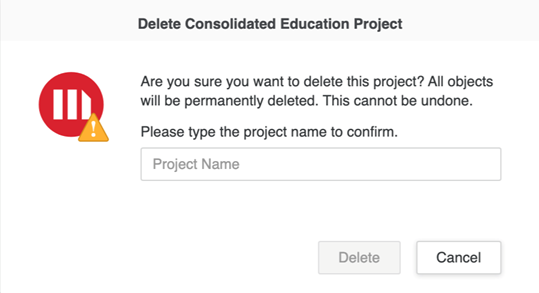
- Click Delete.