Strategy One
Test Center
Test center is only available in containerized cloud environments.
Starting in Strategy One (January 2026), you can compare reports using the test center.
Starting in Strategy One (October 2025), you can create Baseline and Comparison tests for the following objects:
-
Data Import Cube
-
Freeform SQL Cube
-
Intelligent Cube
-
Live Intelligent Cube
-
Python Query Cube
-
Mosaic Model
Starting in Strategy One (August 2025), you can create, manage, and analyze automated dashboard tests in Workstation. The test center supports two types of tests, Baseline Tests and Comparison Tests, for validating dashboard integrity and surfacing discrepancies in visualizations, queries, and underlying data during lifecycle migrations or continued development.
You must have the Integrity Manager privilege to use the Test Center plugin.
Create Tests
- Open the Workstation window.
- In the Navigation pane, under Administration, click Test Center.
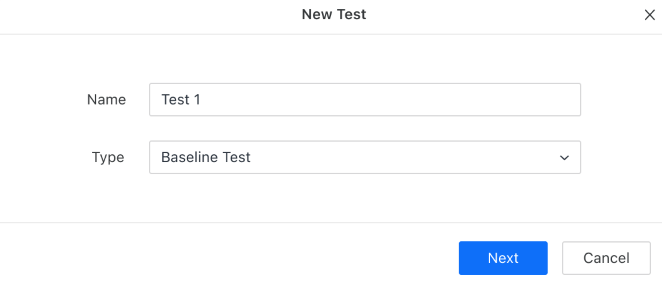
- There are two test types:
- Baseline Test: A Baseline Test forms the foundational “snapshot” of selected content objects in a desired state, including their prompt selections.
- Comparison Test: A Comparison Test evaluates and highlights differences between test runs, baselines, and test result snapshots. Useful for regression checks and migration validations.