
Strategy ONE
Modify Task Class Wizard
The Modify Task Class Wizard allows you to modify the class associated with a Java-based task.
You can modify the class only for a Java-based task that you have created. You cannot modify classes for default Java-based tasks since the source code is not available.
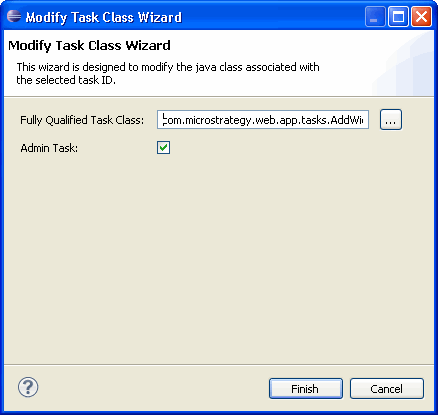
This wizard can be accessed as follows.
-
Click on MicroStrategy Web Configuration inside the Application Settings view to expand the hierarchical tree. The expanded list comprises the different settings that can be modified to perform customizations.
-
Click on Tasks to expand the list of tasks used in MicroStrategy Web.
-
Right-click the custom Java-based task whose class you wish to modify and select Modify Class to launch the Modify Task Class Wizard.
You can modify the class only for a Java-based task that you have created. You cannot modify classes for default Java-based tasks since the source code is not available.
See also: