
Strategy ONE
Refresh Imported Content
You can refresh your data to retrieve your latest changes.
-
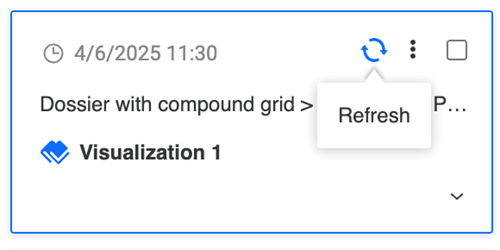
To refresh one object, hover over it and click Refresh.
-
To refresh all objects, select the check box next to Select All and click Refresh.