
Strategy ONE
Edit Imported Content
After you import data into Google Slides, you can change the visualizations and filters without deleting an object.
-
In the side panel, select the object you want to edit.
-
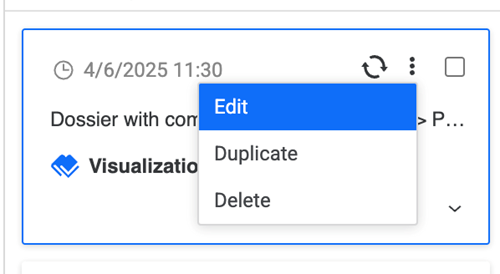
Click More Options and click Edit.
-
Select a new visualization or click Filter, choose your filter, and click Apply.
-
Click Import.