
Strategy ONE
Duplicate Imported Content
You can duplicate previously imported content into a specified slide or a new slide.
-
In the side panel, select the object you want to duplicate.
-
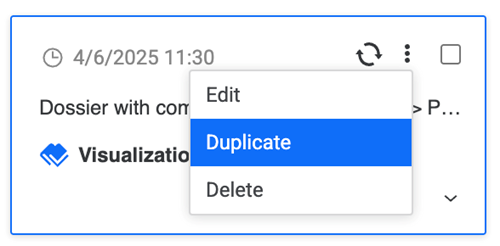
Click More Options and click Duplicate.
-
Select the import destination for your data from the following two options:
-
Slide Number: Expand the drop-down list and choose a slide.
-
New Slide: A new slide containing your duplicated visualization is created.
-
-
Click Duplicate.