Strategy ONE
Move Object
Starting in Strategy One (March 2026), you can move your object from one slide to another slide while retaining connection to the object list in the sidebar.
- Connect to the Strategy for Google Slides™ add-in. Strategy for Google Slides™ opens in a sidebar.
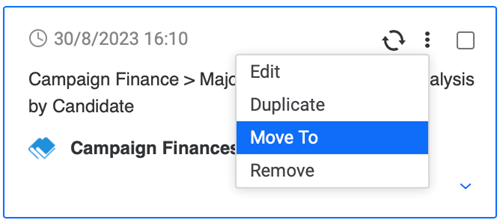
- Hover over your data or select the check box next to the objects you want to move and click More Items
 .
. - Click Move To.
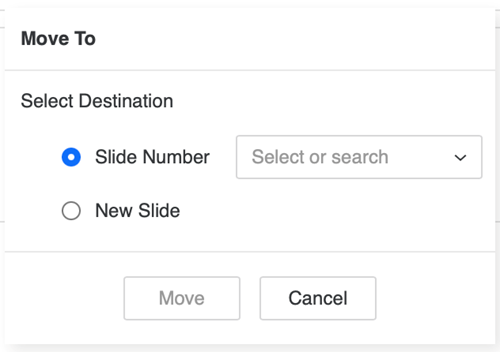
- Select a new destination for your object:
- Slide Number: Select the slide that you want to move your object to.
- New Slide: A new slide will be created and your object moves to the new slide.