
Strategy One
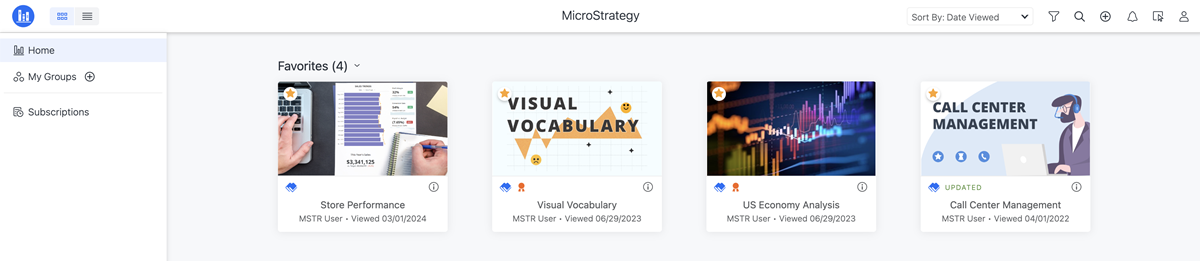
Change the Library Home Page Display Name
- Open the Workstation window.
-
In the Navigation pane, click Applications.
-
Create or edit an application.
-
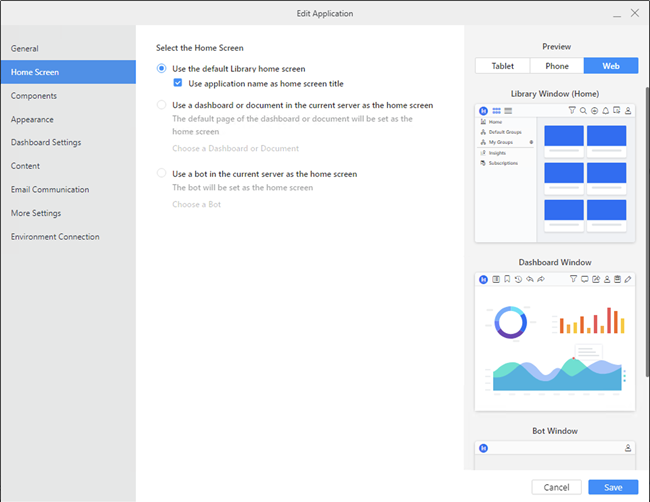
In the left pane, click Home Screen.
-
Select Use the default Library home screen.
-
Select the Use application name as home screen title check box.
-
Click Save.
To change the application name, click General in the left pane, type the new Name, and click Save.