MicroStrategy ONE
Customize Bots
-
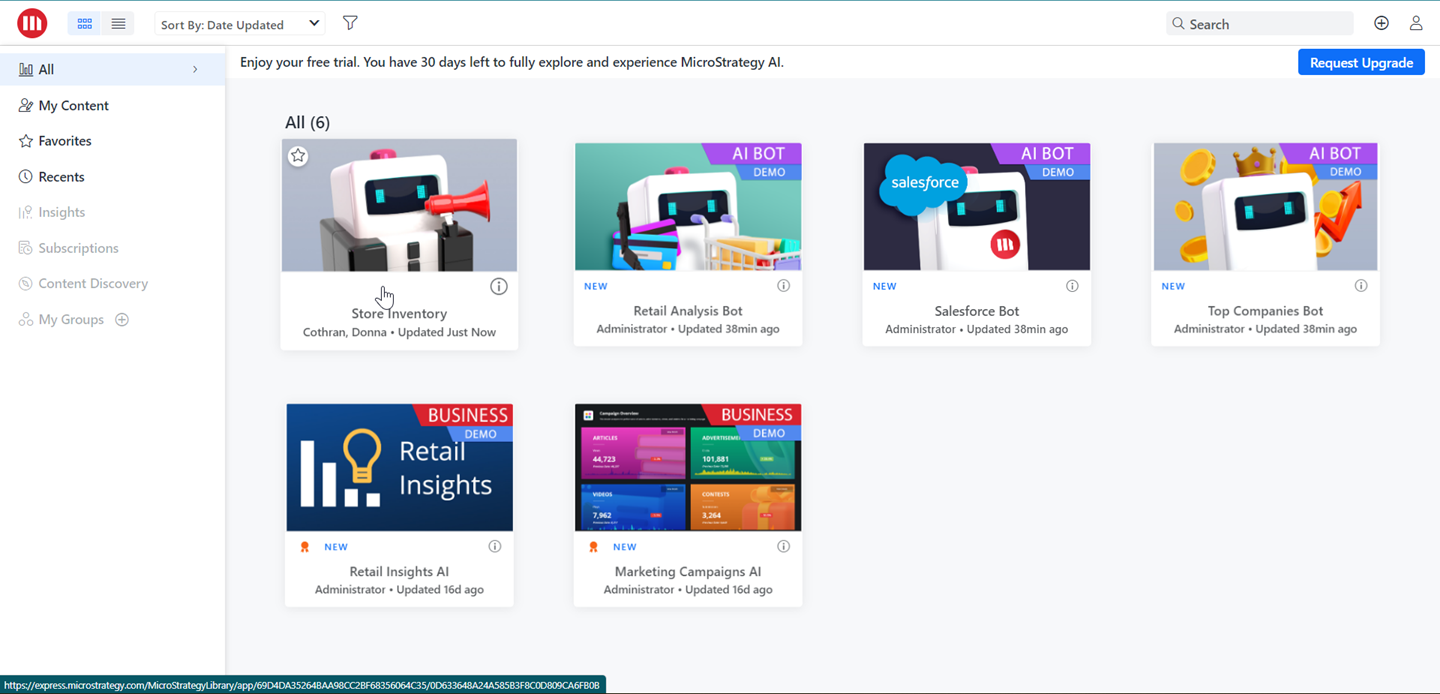
Select your bot.
-
Click
 .
. -
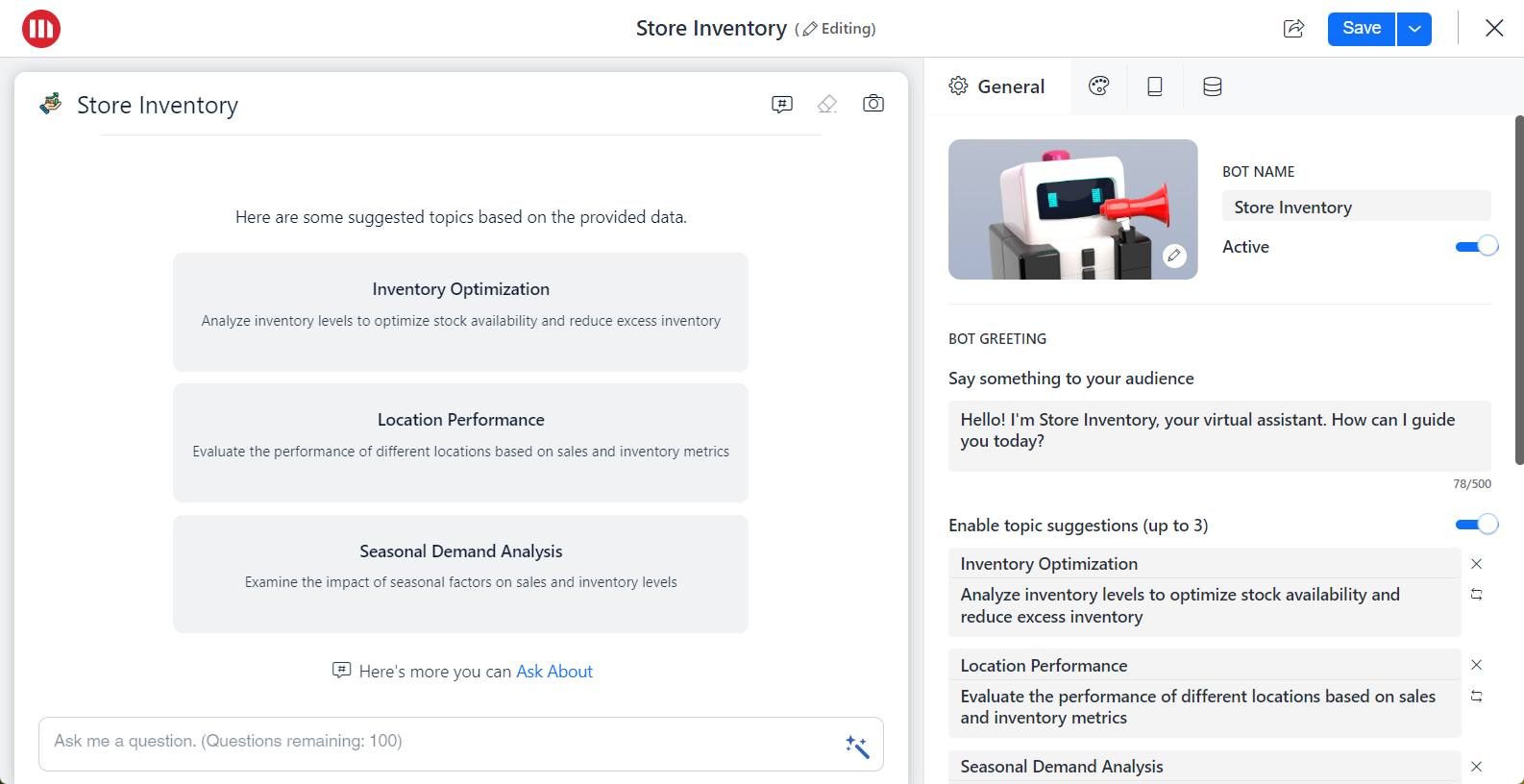
On the General tab, use Enable topic suggestions to have the bot suggest certain topics based on your dataset.
-
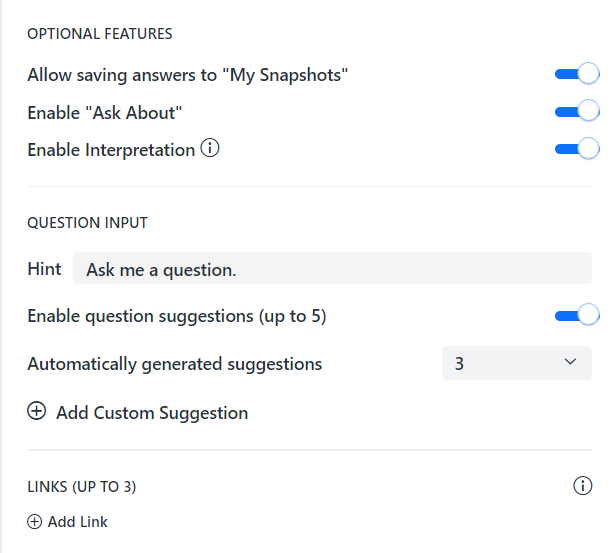
Turn on Enable Interpretation to allow the user more insight to how their question was asked to the LLM. See Leverage AI Interpretation for more information.
-
You can also customize the bot greeting, questions, and suggestions.
-
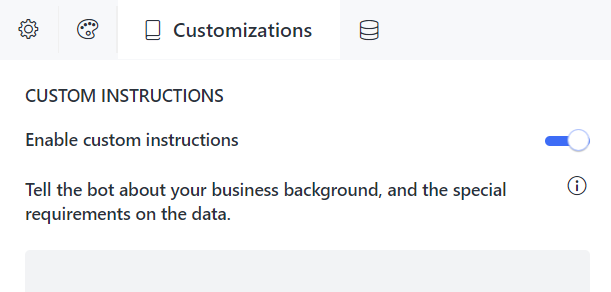
Select the Customizations tab and Enable custom instructions. Here you can make the bot speak your business's language.
-
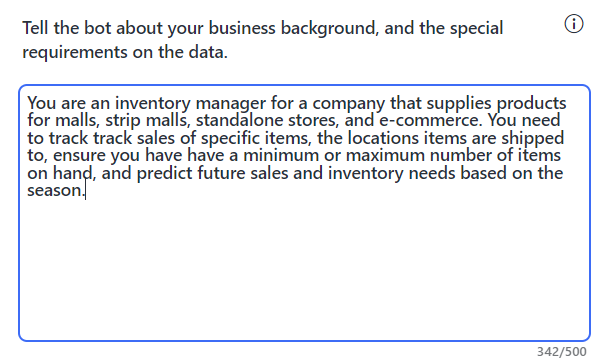
Tell the bot about your business background and special requirements for the data.
-
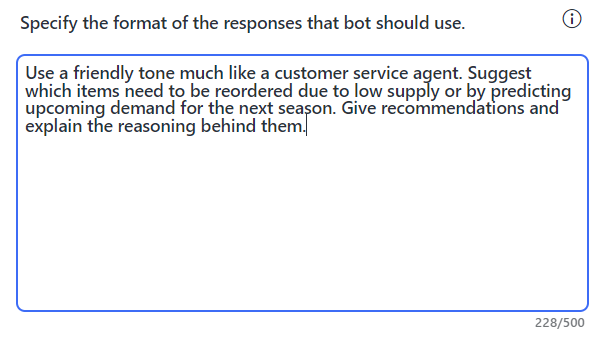
Specify the format of the responses that bot should use.
-
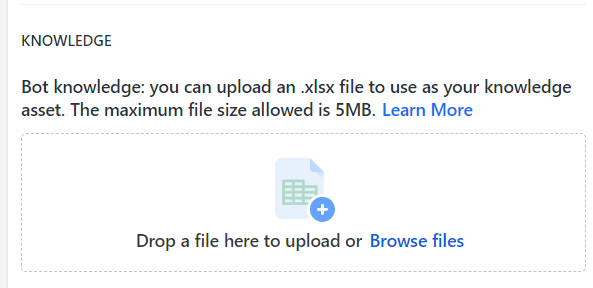
MicroStrategy's contextual data feature allows you to provide more business context to the bot by importing knowledge assets. This makes the bot smarter by ensuring answers are more accurate and tailored to the specific needs of the business. See Knowledge Assets in Auto Answers for more information.