Strategy One
Warehouse Partition Mapping
Warehouse partition mapping is the mapping of partitions, where the mapping is performed by and maintained in the data warehouse.
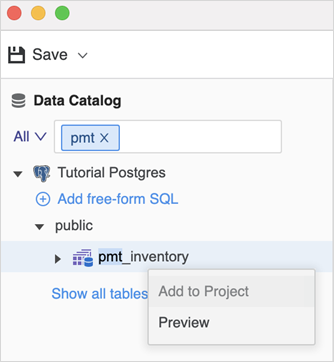
Workstation does not support creating new warehouse partition mapping or updating existing warehouse partition mapping tables. This means the Add to Project option is disabled, as shown below. Users can preview warehouse partition tables, as well as create or edit attributes and facts based on partition mapping tables.
- Open the Workstation window with the Navigation pane in smart mode.
- In the Navigation pane, click Schemas.
- Select an Environment from the upper-left drop-down list.
- Right-click a schema and select Edit Schema. The schema is locked while being edited.
-
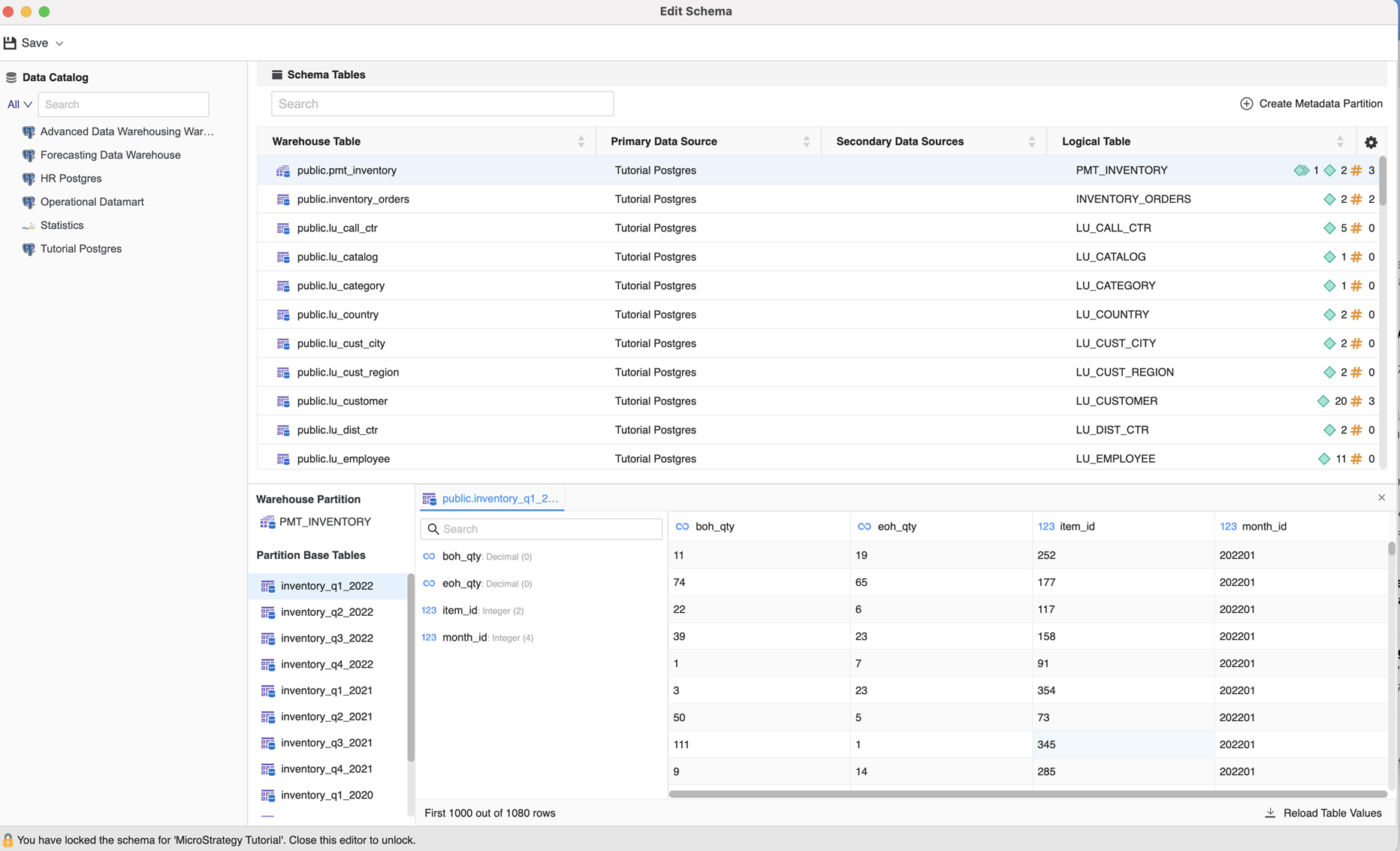
In the left pane of the bottom panel, partition base tables are listed under Partition Base Tables. Click a table to view warehouse table data in the database.
-
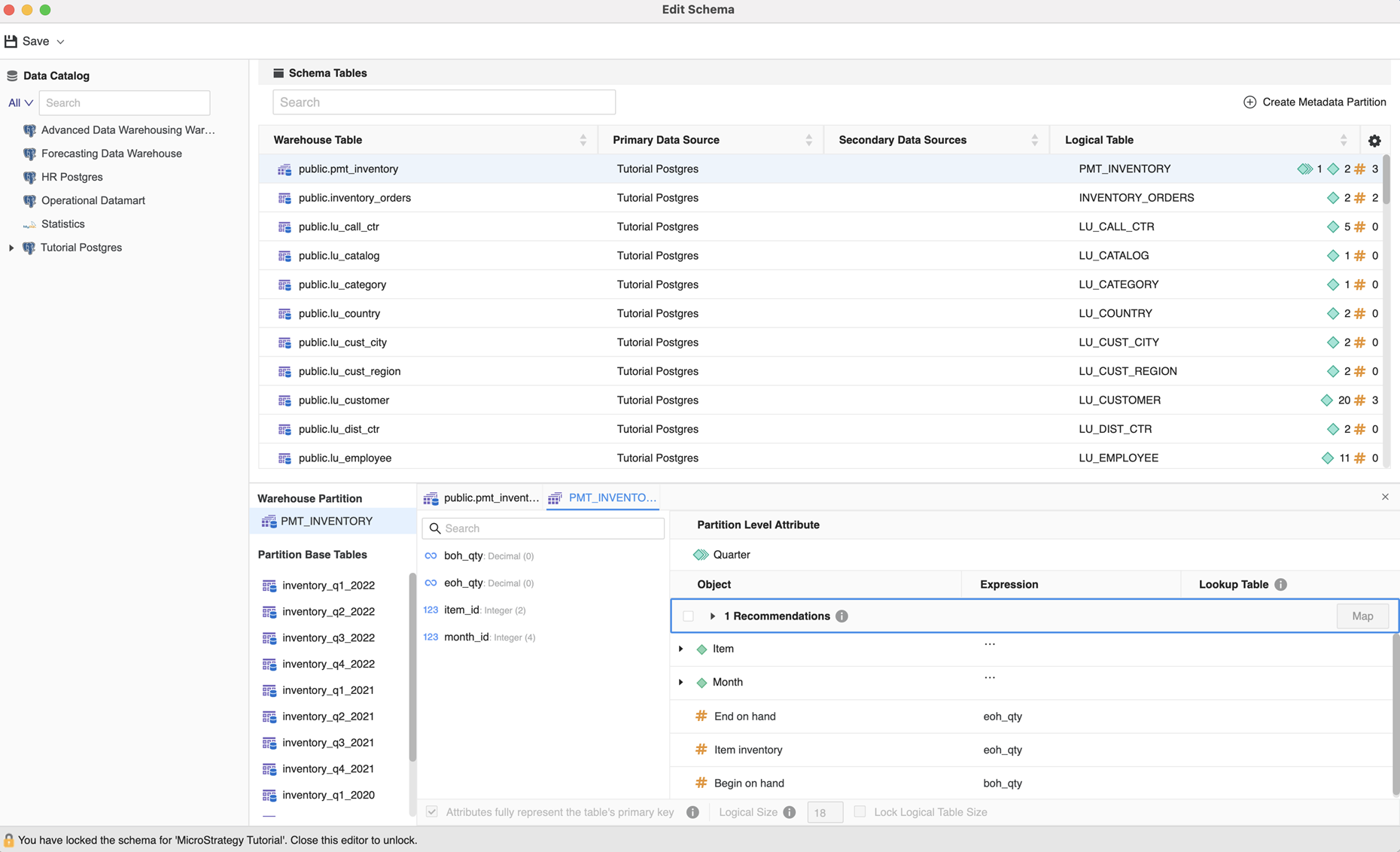
In the corresponding preview, you can view partition level attributes, as well as create and edit attributes/facts.