
Strategy One
Zoom Level Selection While Editing Dashboards
Starting in Strategy One (January 2026), displaying a zoom level drop-down list while editing dashboards is available out-of-the-box.
When you edit a dashboard with a
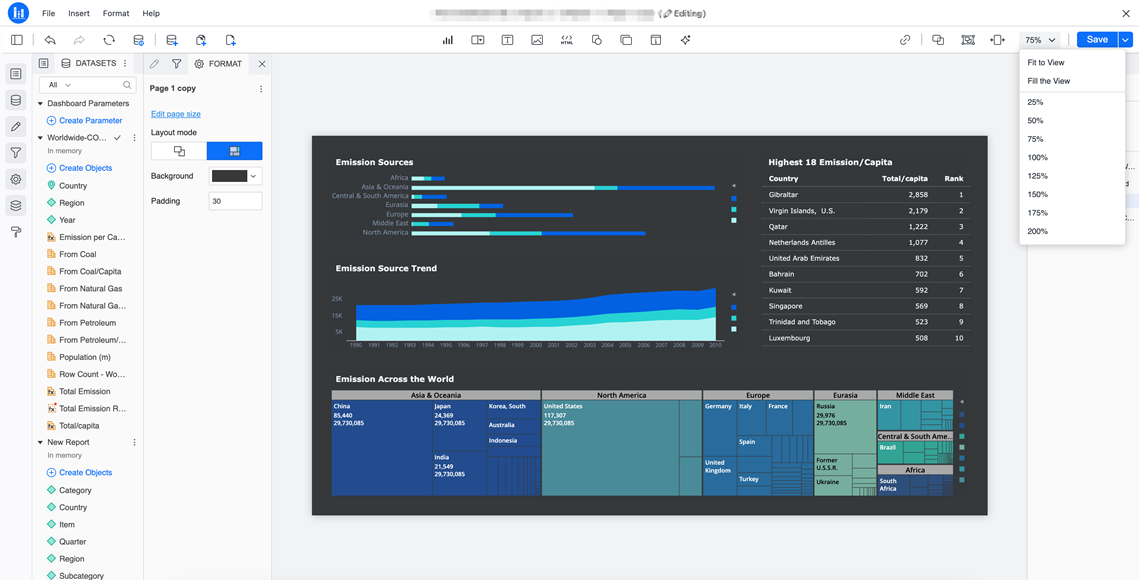
The zoom selection is not saved when you save the dashboard. When viewing the dashboard, the default scale ratio is still controlled by the Default Zoom in Library setting in the Dashboard Formatting Properties window.
Prerequisites
Enable the Feature Flag
The following is only required if you are using Strategy One (December 2025).
-
Open the
/WEB-INF/classes/config/configOverride.propertiesfile in the Library server folder. -
Add the following row:
features.supportAuthoringScale = true -
Save the change.
-
Restart Tomcat.